
The problem
On many product pages the buy button vanishes when shoppers scroll. On mobile that can turn a ready buyer into abandonment.
Hermes · Bloqio Sticky ATC
Hermes adds a Sticky Add to Cart experience for Shopify that stays visible, syncs with variants, and helps conversion without disrupting browsing.
On many product pages the buy button vanishes when shoppers scroll. On mobile that can turn a ready buyer into abandonment.
Hermes keeps checkout within reach via a sticky bar or icon—synced to variant, quantity, availability and actual product state.
In the store
Full bar or compact icon: both respect real product content and the purchase rhythm.
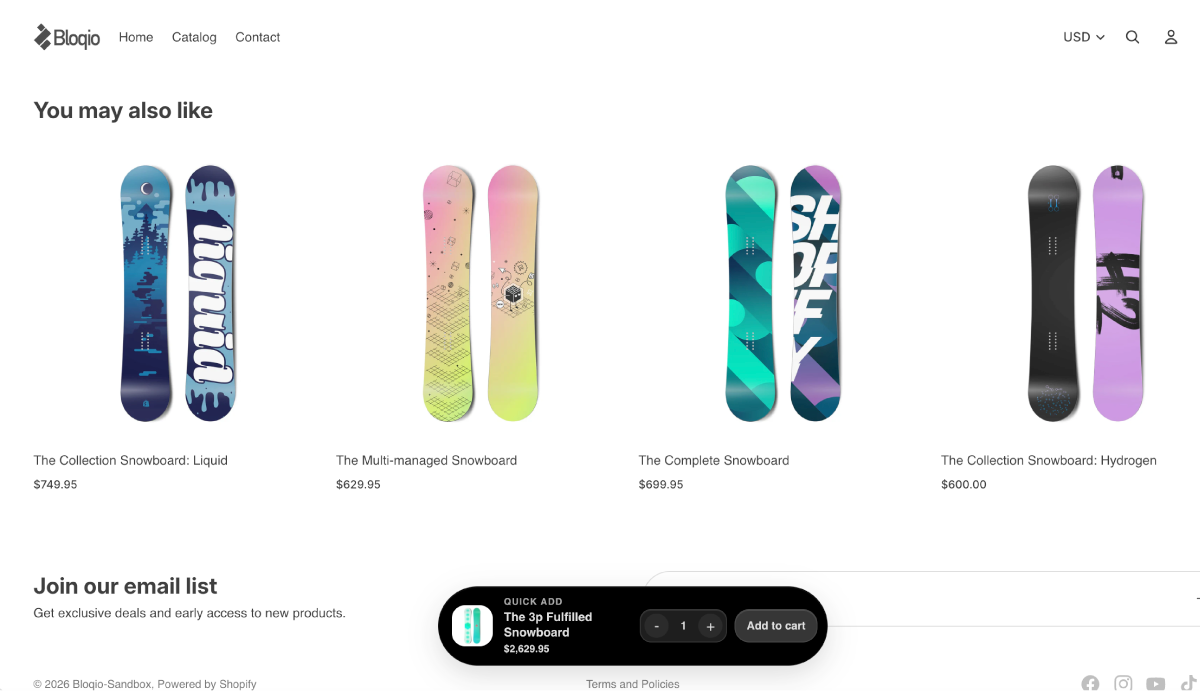
Fixed lower strip with room for message, price and primary action.
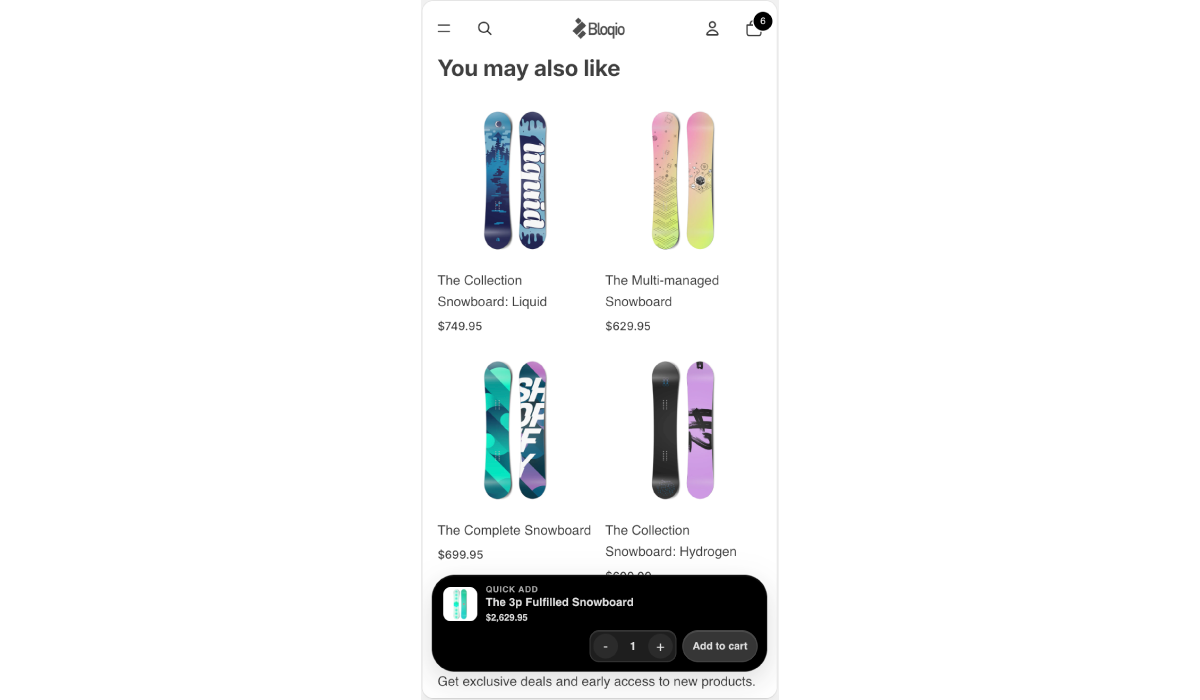
Thumb-first: reachable CTA while the shopper reads the PDP.
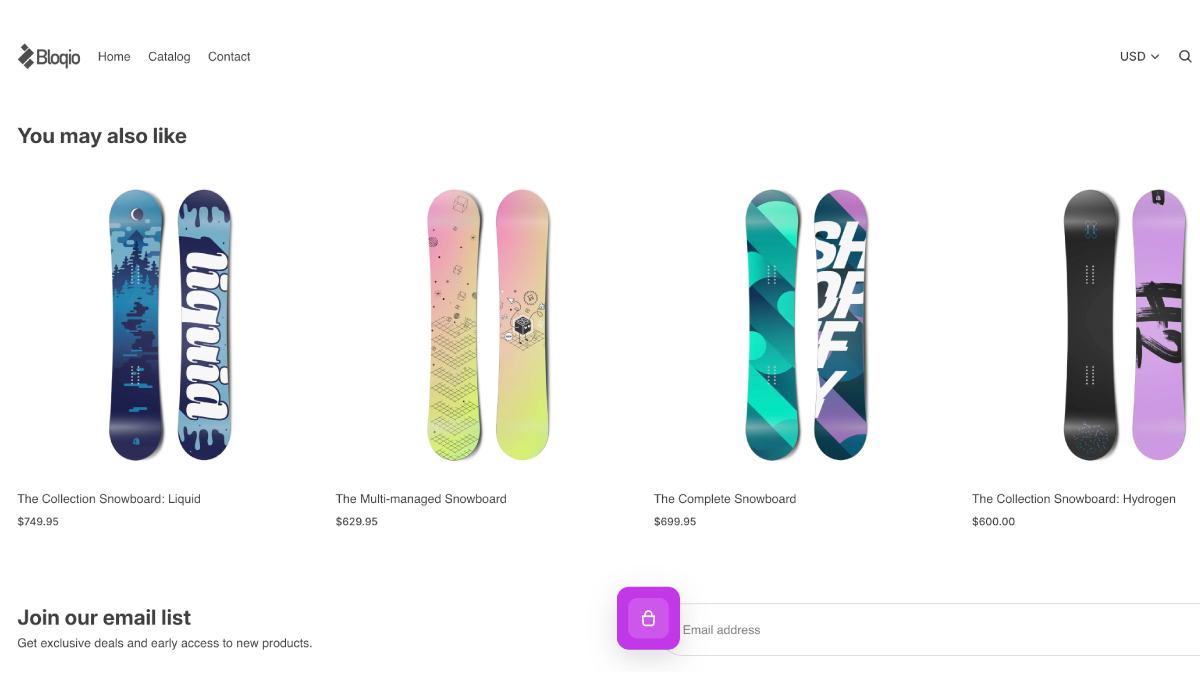
Compact signal—with configurable shapes and sizes for minimalist brands.
Customization
Rounded, Squircle or Pill—tune the sticky’s presence to your store’s visual language.
Soft edges for stores with clean aesthetics.
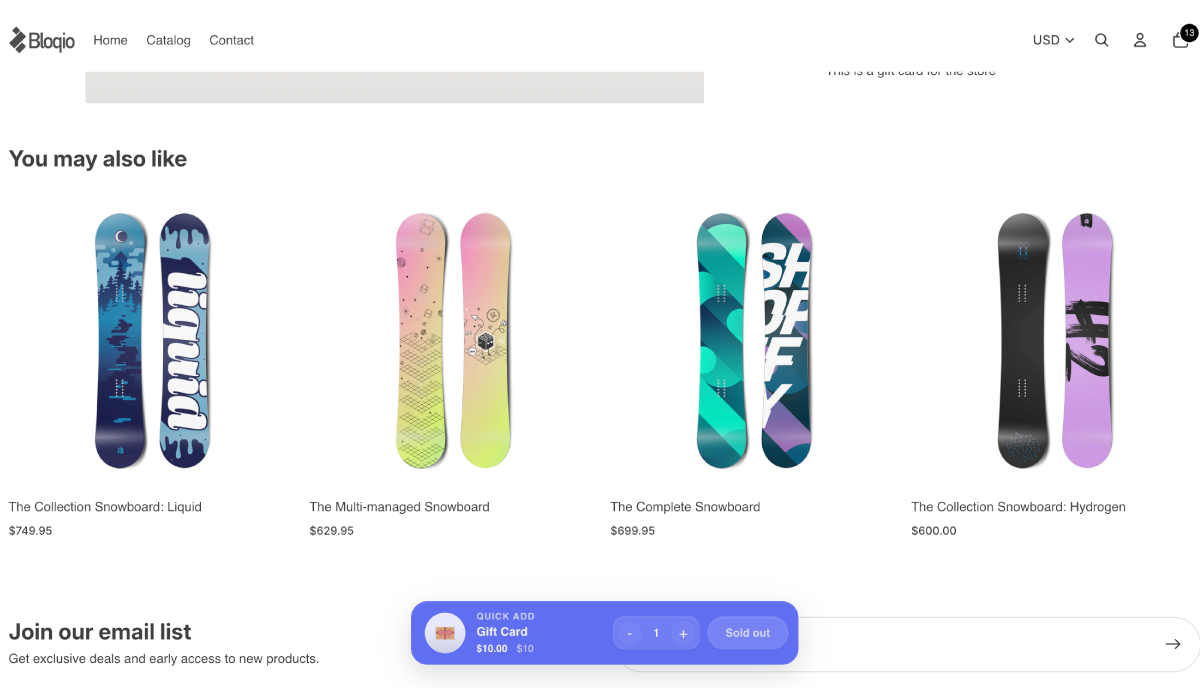
Balance between digital icon and approachable surface.
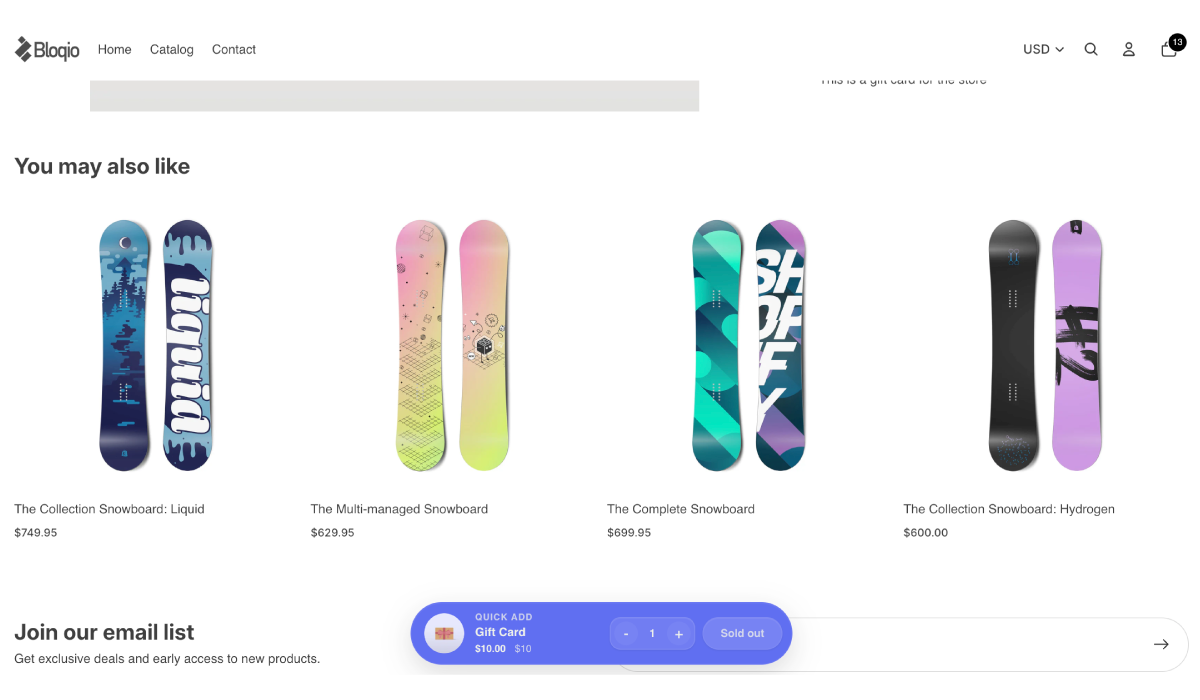
Chip-style presence for visually dynamic brands.
PDP detail
Three screenshots where Hermes reduces friction when the product or inventory changes.
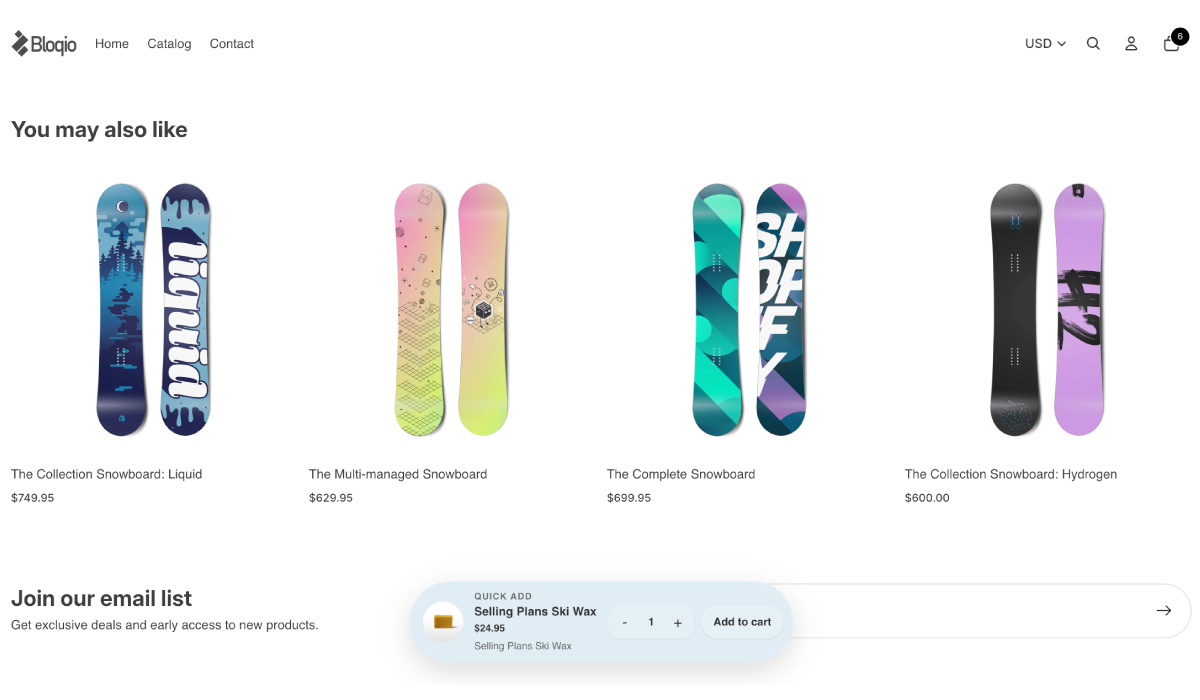
The sticky action reflects your real selection before add to cart.
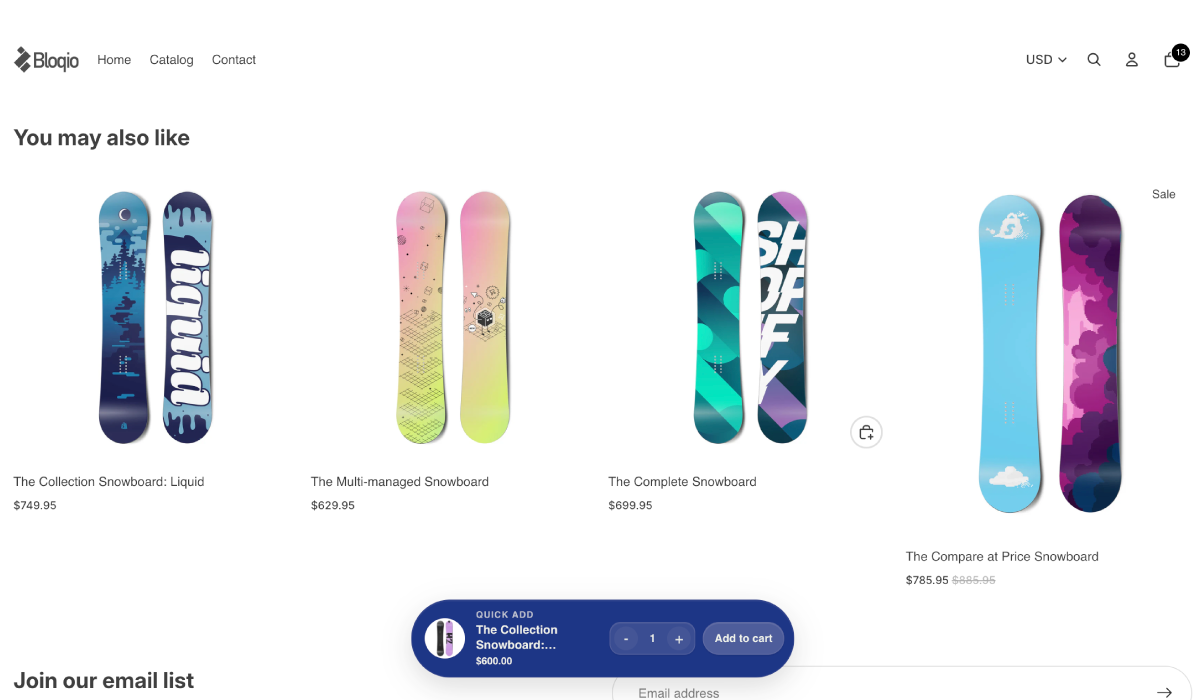
Adjust in the sticky strip without scrolling back to the main product block.
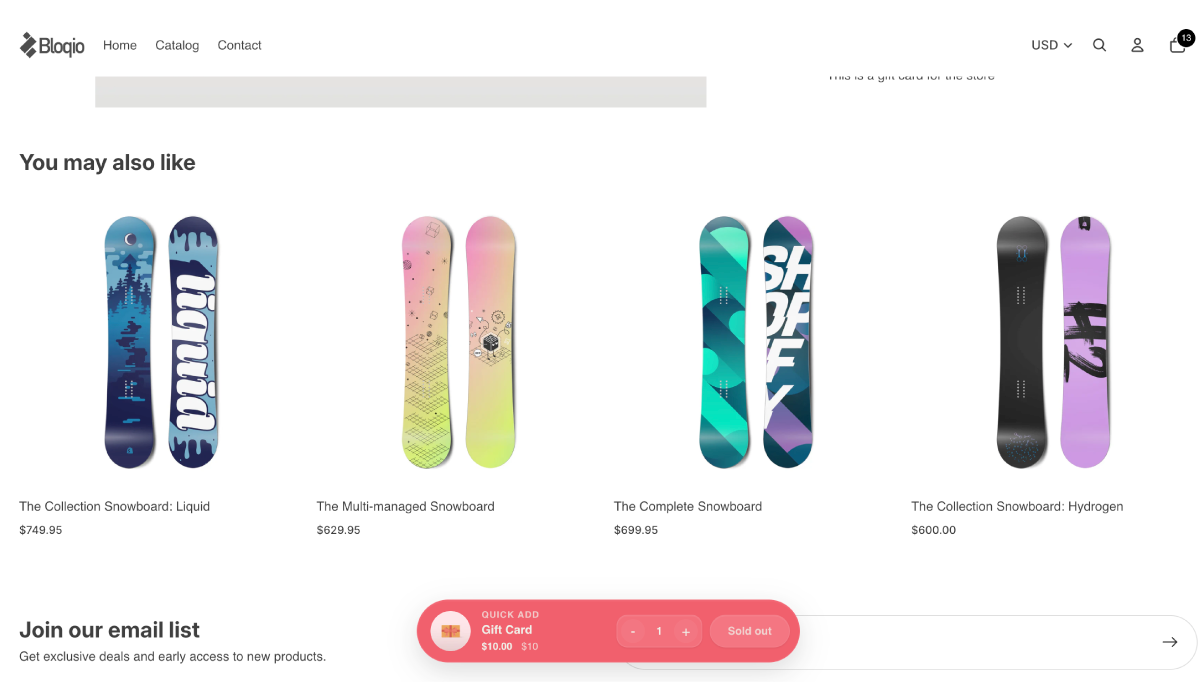
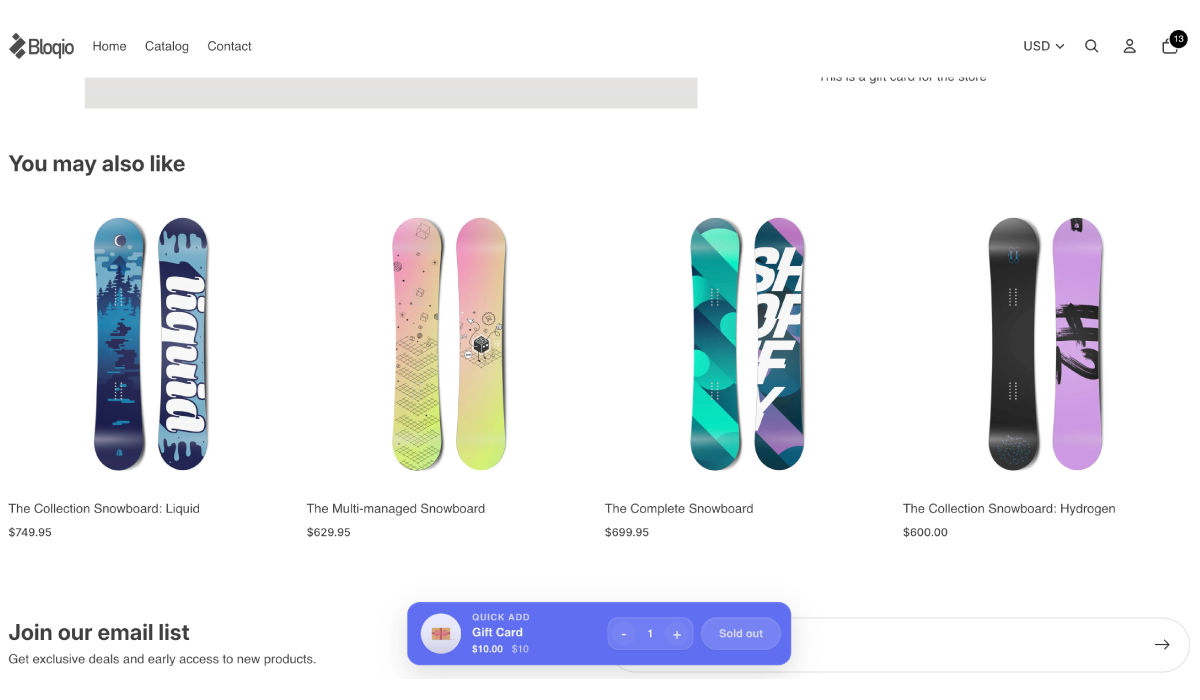
Clear messaging when the variant isn’t available.
Bloqio Holoform
Hermes uses Holoform to keep purchase action available without crowding the product: prominent when it matters, subtle when it supports.
Product
Every detail follows Bloqio Holoform: clear reading, real product control and a checkout experience that respects your store.
Shows a persistent purchase bar on the PDP so the CTA stays visible as shoppers scroll.
Best for long pages and mobile traffic.
Compact mode for stores that want a discreet, polished purchase cue that’s always there.
Best for clean layouts or visual-forward products.
Keeps the experience aligned with the selected variant to reduce confusion before add to cart.
Best for products with sizes, flavors, colors or SKUs.
Lets shoppers adjust quantity from the sticky strip without scrolling back to the main product block.
Best for bundles, consumibles y compras repetidas.
Honors availability and sold-out states to avoid misleading actions or false expectations.
Best for catalogs with variable stock.
Runs as a configurable extension from Shopify without heavy theme surgery.
Best for merchants who want control without technical friction.
Use cases
Scenarios where checkout should follow the shopper—not the other way around.
“After shoppers read benefits, reviews or ingredients, the CTA stays in reach.”
Cuts unnecessary scrolling back to the top.
“Checkout stays reachable while someone browses one-handed.”
Keeps momentum in mobile sessions.
“Size, flavor or format stays synced with the sticky action.”
Reduces confusion before add to cart.
“Clear sold-out state when a variant isn’t available.”
Fewer frustrated taps.
“Editable quantity without breaking the flow.”
Easier multi-unit purchases.
“The CTA doesn’t vanish during demand spikes.”
Captures intent without cluttering the PDP.
Before / after
Preview
Hermes keeps checkout within reach without fighting the content: the PDP stays breathable and the action follows real product context.
Setup
Four typical steps in Shopify. Exact steps may vary by theme and store policies.
Step 1
Turn on the Hermes embed so the sticky experience can integrate with your theme without invasive blocks.
Step 2
Pick a full strip or a compact icon to match your store style and device mix.
Step 3
Fine-tune when the sticky action appears, contrast and proportions for icon or bar in the Theme Editor.
Step 4
Check variant, quantity and live states; save and publish when the experience is ready for shoppers.
Available for Shopify
Hermes keeps purchase action available on product pages without breaking your store’s visual experience.
When the listing is live, install Hermes from the Shopify App Store and configure it in the Theme Editor.