
The problem
Many stores need to surface deals, shipping, launches or important notices—but end up cluttering the page with banners, popups or manual theme edits.
Prometeo · Bloqio Top Bar CRO
Prometeo lets you build configurable top bars to highlight deals, shipping, launches, and CTAs right when customers are ready to decide.
Many stores need to surface deals, shipping, launches or important notices—but end up cluttering the page with banners, popups or manual theme edits.
A lightweight, configurable top bar visible at the right time: clear message, optional CTA and control from Shopify without code edits every time a campaign shifts.
Use cases
Each card combines commercial intent, sample copy and why it helps the visitor.
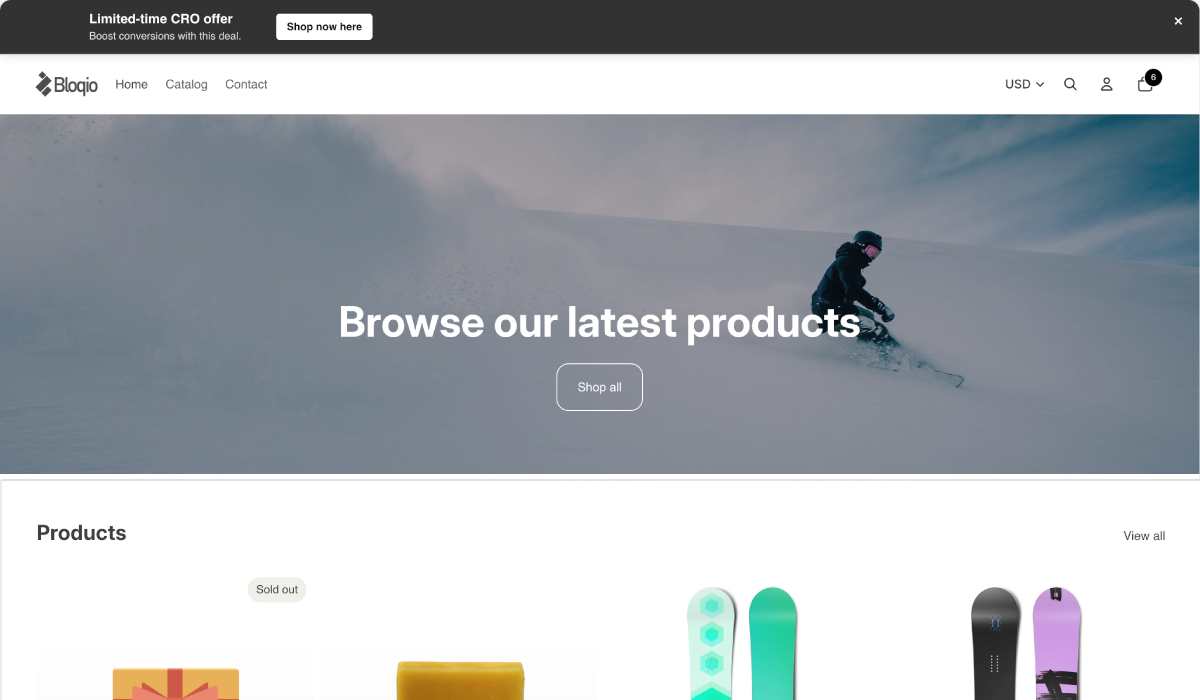
Visual example of a top bar surfacing an active promotion.
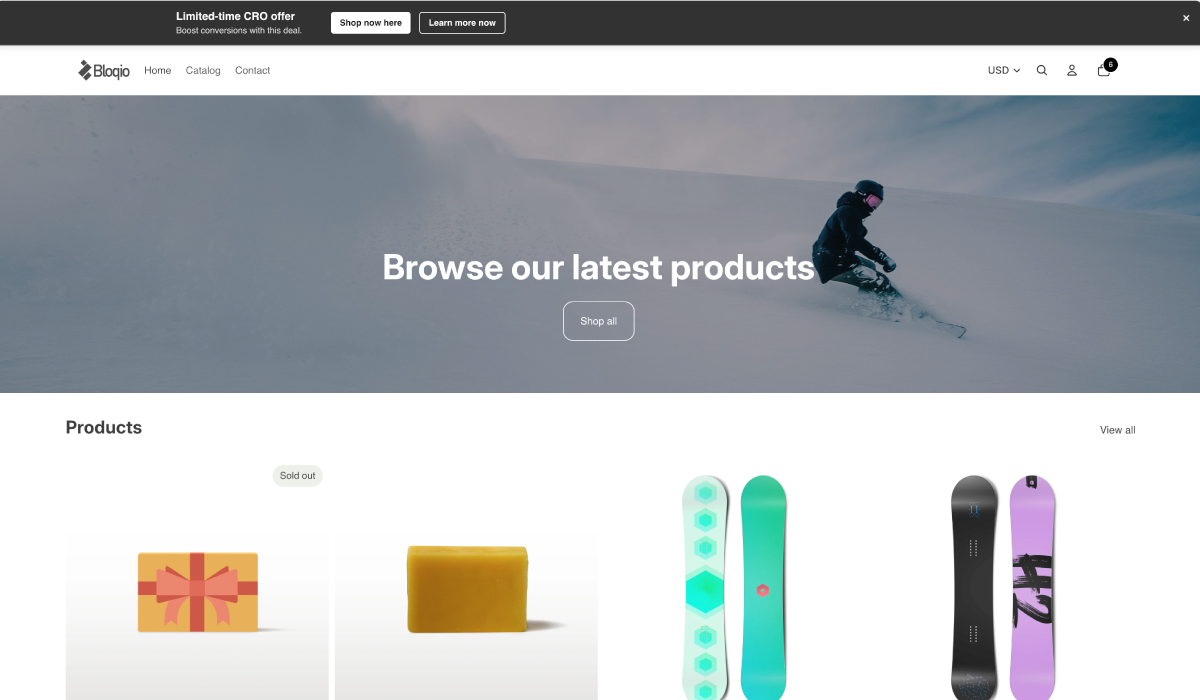
Visual example of a top bar driving traffic to a collection or landing.
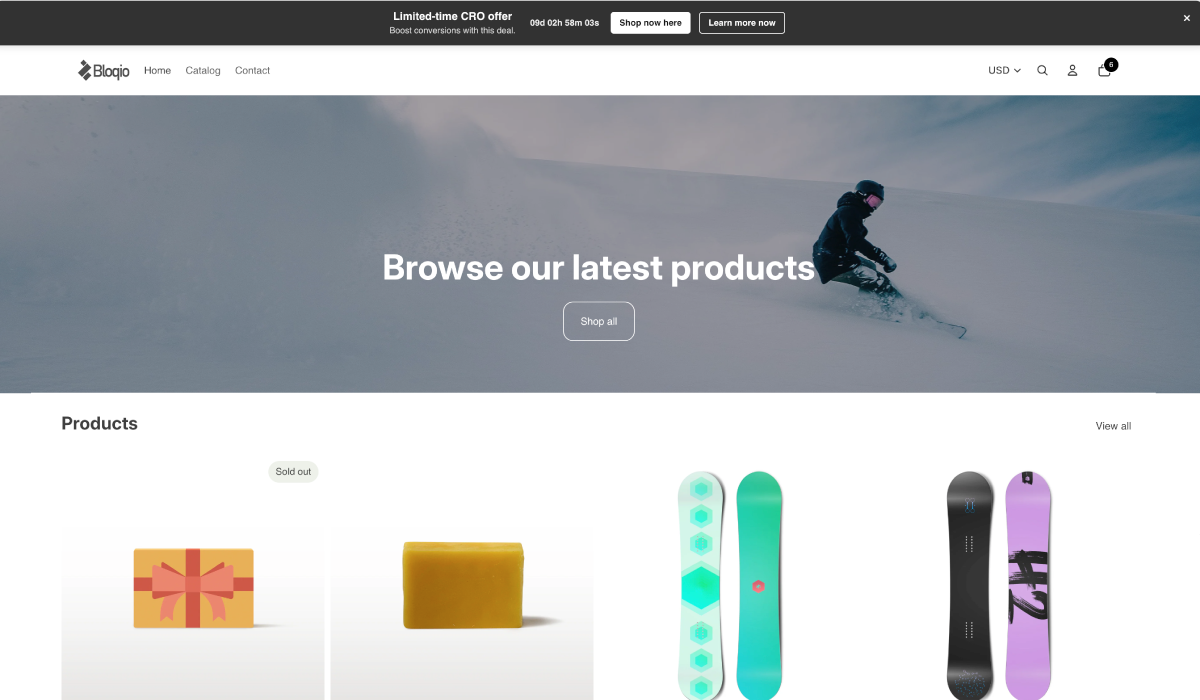
Great for campaigns with real urgency, drops or limited commercial windows.
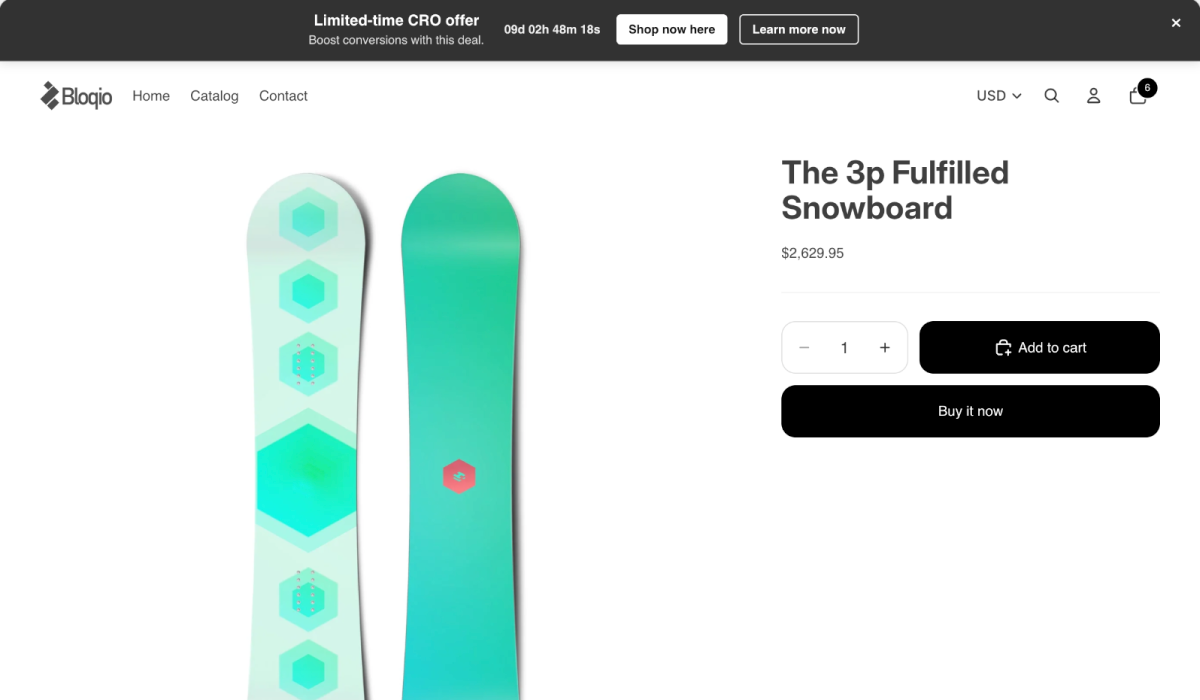
Shows how the bar lives alongside a commercial page without stealing focus.
“Free shipping on orders $999+”
Reinforces the incentive before shoppers browse or buy.
“Hot Sale live · Up to 30% off”
Immediate visibility for seasonal campaigns.
“New collection available”
Drives traffic to a priority collection.
“Last units available”
Signals urgency without invading the experience.
“Orders placed after Friday ship Monday”
Reduces ops questions and repeat tickets.
“See this week’s favorites”
Connects the bar to helpful commercial navigation.
Bloqio Holoform
Prometeo uses Holoform so a promotion reads fast, feels embedded in the storefront and does not compete with checkout.
Product
Every piece shares the same Bloqio Holoform bar: easy to read, quick to activate and aligned with the rest of the Toolkit.
Copy and links per campaign—without leaning on a developer for every tweak.
Best for launches, notices and seasonal messages.
A clear next step when the message calls for it: collection, shipping policy or landing page.
Best for pushing traffic to a deal or category.
Turn messages on and off as the commercial window demands—without leaving design clutter.
Best for Hot Sale, Buen Fin and date-specific events.
Fits the theme customization flow: readable blocks and few steps.
Best for teams that iterate on design often.
Clear hierarchy and fast reading: the bar informs without competing with main content.
Best for brands that care about storefront aesthetics.
Scoped integration: less friction to publish, review and maintain the app.
Best for stores that want impact without heavy technical load.
Before / after
Setup
Four typical steps inside Shopify. Exact details may vary by theme and store policies.
Step 1
Enable Prometeo’s embed in the theme editor so the bar can appear where it should.
Step 2
Write the copy, link if needed and message priority for the current campaign.
Step 3
Align colors and contrast with your brand from the Theme Editor—without leaving your usual flow.
Step 4
Save and publish theme changes when the message is ready for visitors.
Preview
Prometeo is meant to feel native to the store: visible when it matters, quiet when it should not steal the show.
Built for Shopify
Prometeo helps every campaign, notice or incentive have a clear place in your store—without weighing down the design or manual edits.
Once the listing is live, install Prometeo from the Shopify App Store and configure it from the Theme Editor.